


Figma to WordPress conversion, from design to website can be quite tricky. It’s a process that turns your pretty mockups into a working website. First, you export your Figma designs. Then, you build them in WordPress using themes, plugins, and custom code. It sounds simple, but there’s a lot that can go wrong.
That’s why it’s key to know the common pitfalls. Making mistakes can slow you down and lead to a site that doesn’t look or work like your design. Fixing these errors later can be frustrating and time-consuming. By avoiding these issues, you can make your Figma to WP journey much smoother.
Hire Professionals for Figma to WordPress Conversion to Avoid Common Pitfalls
Converting designs from Figma to a WordPress site involves more than a simple transfer of visuals. It requires a blend of design acumen and technical expertise to ensure the finished product aligns with both the original vision and web development best practices. This is where professionals come into play. They help you avoid common missteps that can hinder your project.

- Maintain Design Integrity: One of the primary challenges in conversion is preserving the design’s integrity. With professionals, you can ensure that the original aesthetic and functionality remain intact, avoiding discrepancies that might arise during the process.
- Optimize for Performance: Experienced developers prioritize optimizing the site’s performance, which is essential for both user experience and SEO. Proper coding techniques and efficient resource management help reduce load times and improve overall site responsiveness.
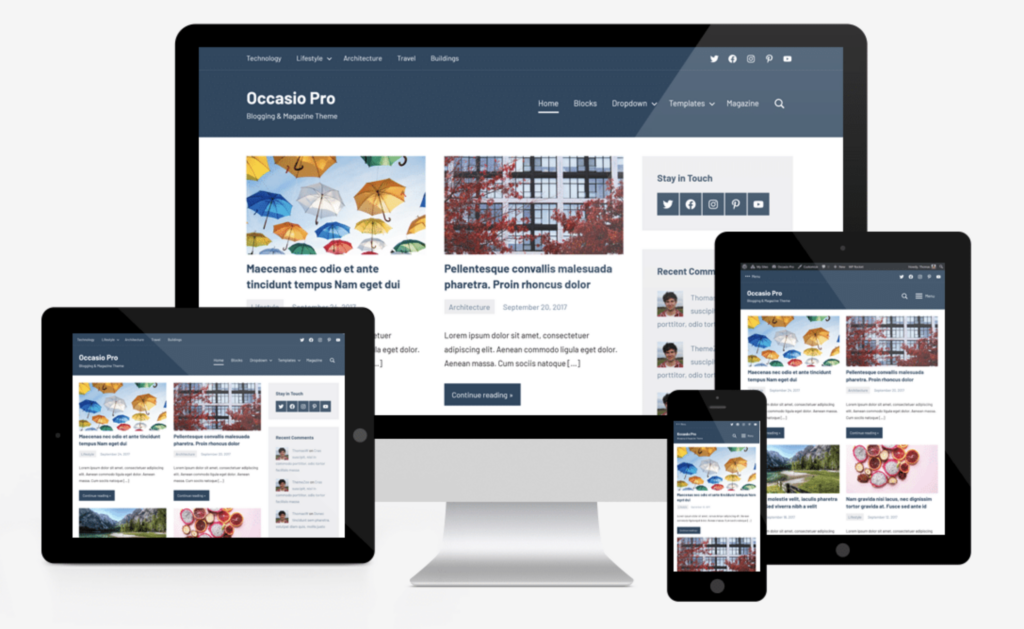
- Ensure Responsiveness: Professionals also ensure that your site is responsive across all devices and platforms. This adaptability is vital in today’s multi-device world, providing users with a seamless experience whether they’re on a desktop, tablet, or mobile phone.
- Handle Technical SEO: Experts adeptly handle technical aspects of SEO. From metadata to structured data, their attention to detail can greatly enhance your site’s visibility in search engine results.
By hiring professionals, you not only sidestep common pitfalls but also create a robust foundation for future growth.
Take the Next Step with Professional Figma to WordPress Conversion
If you are ready to transform your Figma designs into a fully functional WordPress site, then contact our expert team today to ensure a seamless, high-quality conversion.
Figma to WordPress Conversion: Common Pitfalls to Avoid
Let’s look at the common mistakes to watch out for when converting Figma designs to WordPress sites.
1. Figma Design and WordPress Functionality
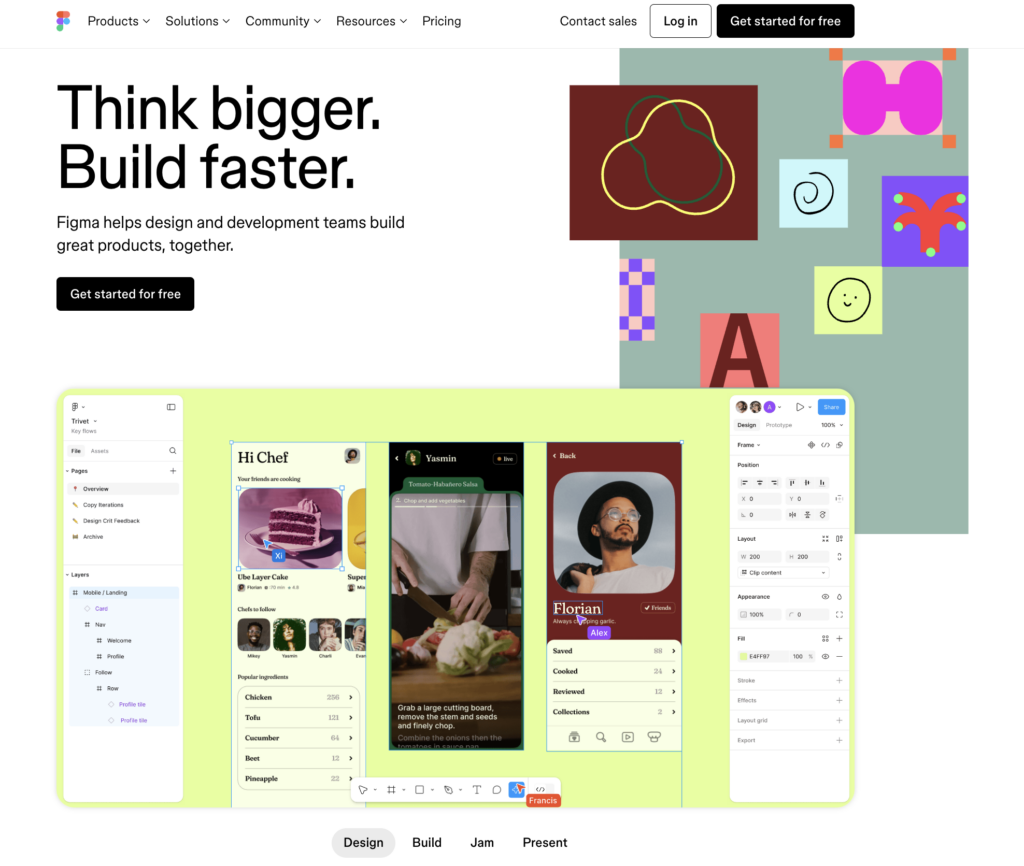
A common mistake in conversion is overlooking the difference between these two platforms. Figma is purely design-focused, while WordPress integrates dynamic elements like forms, sliders, and content management. Failing to consider this early on can cause major issues during development.
To avoid this, follow this:
- Interactive elements: Plan for dynamic content that Figma can’t fully capture.
- Theme limitations: Ensure your design works within WordPress’s theme structure.
- Responsive design: Don’t forget mobile and tablet layouts.
- Plugin compatibility: Design with popular WordPress plugins in mind.
2. Ignoring Mobile Responsiveness Early in the Design Stage
Overlooking mobile responsiveness during the conversion phase is a big mistake. Many designers focus on the desktop layout, but WordPress themes need to work seamlessly across all devices. Ignoring mobile design early can lead to a frustrating, time-consuming process later when trying to adapt the layout for smaller screens.
Key considerations:
- Mobile-first design: Prioritize mobile layouts alongside desktop in your Figma design.
- Fluid layouts: Ensure your design scales well across various screen sizes.
- Touch-friendly elements: Design with touch navigation and usability in mind.
- Testing: Regularly preview how your design translates on mobile and tablets.
3. Not Accounting for WordPress Theme Structure and Hierarchy
A major pitfall in conversion is not considering how WordPress themes are structured. WordPress operates on a system of templates and files, which means designs need to align with this hierarchy. Ignoring this can lead to complex, messy code and a hard-to-maintain site.
To avoid this, cosider these:
- Template hierarchy: Ensure your design maps to WordPress’s header, footer, and content structure.
- Reusable elements: Plan for dynamic areas like sidebars or widgets to fit into the theme structure.
- Modular design: Keep design elements flexible for easier integration with WordPress functions.
- PHP integration: Understand that your design will need to work with WordPress’s PHP-driven framework.
4. Skipping Optimization for Performance and Speed
Overlooking performance and speed optimization during conversion is a mistake. A visually appealing design can result in a slow-loading site if not properly optimized, impacting user experience and SEO.
Key considerations:
- Image optimization: Compress images without losing quality to improve load times.
- CSS/JS minification: Reduce file sizes for faster loading by minimizing CSS and JavaScript.
- Caching: Plan for caching solutions to enhance performance.
- Hosting impact: Choose a hosting plan that supports your website’s speed requirements.
5. Overcomplicating the Design with Unnecessary Elements
Another mistake is not designing with scalability in mind. If your design isn’t flexible, making future updates or adding features can become a complex and costly process.
Key considerations:
- Flexible layouts: Design adaptable structures that can grow with your content.
- Modular elements: Plan for reusable components that are easy to update.
- Avoid hard-coding: Use WordPress’s dynamic features rather than hard-coding elements.
- Content expansion: Ensure your design can handle additional content or new features without breaking the layout.
6. Failing to Plan for Scalability and Flexibility
Neglecting scalability and flexibility during the conversion can lead to issues when your site needs future updates or new features. Without planning for growth, you may face costly redesigns or development challenges.
Here’s how to fix this:
- Expandable layouts: Design layouts that can easily adapt to new content or pages.
- Modular components: Ensure sections are flexible and reusable for future updates.
- Dynamic elements: Use WordPress’s native tools for dynamic content instead of static designs.
- Future-proofing: Plan for long-term growth to avoid breaking the design when scaling up.
7. Overlooking WordPress Plugin Compatibility
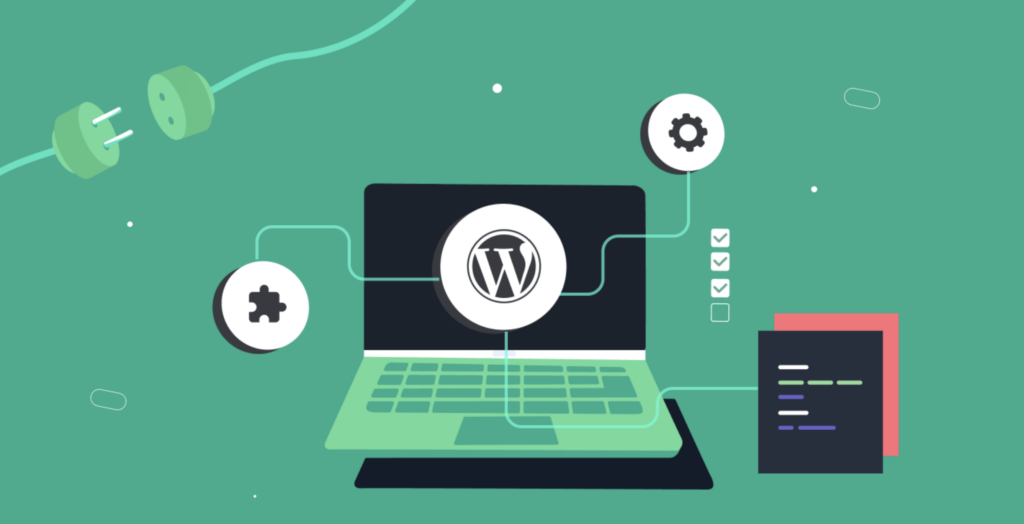
Ignoring plugin compatibility is the other mistake. WordPress relies on plugins to add functionality, and certain design elements may conflict with how popular plugins operate, leading to integration issues.
Key considerations:
- Plugin dependencies: Ensure the design works with essential plugins like SEO tools, contact forms, or eCommerce features.
- Custom plugins: Be cautious when designing features that might require custom plugins, as these can complicate development.
- Design flexibility: Keep the design adaptable for plugins that add dynamic elements or widgets.
- Testing: Regularly test your design with key plugins to prevent conflicts.
8. Not Testing the Converted WordPress Site Thoroughly
A major mistake in conversions is skipping thorough testing. Without proper testing, bugs, performance issues, or design inconsistencies can slip through, negatively affecting the user experience.
Key considerations:
- Cross-browser compatibility: Test the site on multiple browsers to ensure consistency.
- Responsive design: Check how the site looks and functions on different devices and screen sizes.
- Performance testing: Test load times and overall performance to avoid slowdowns.
- Functionality: Ensure all dynamic elements, forms, and plugins work as expected.
Conclusion
Converting a Figma design to WordPress can be a challenging process, but it’s one that gets easier with experience and awareness. By keeping these common mistakes in mind, you can save time, reduce frustration, and create a better end product.
Remember that the key is to think ahead. Consider how your design will work within WordPress’s structure, plan for mobile users, and always keep performance in mind.
Don’t forget to test thoroughly and stay flexible in your approach. While it might seem like extra work upfront, addressing these issues early will lead to a smoother development process and a more robust final website.
As you tackle your next Figma to WordPress project, use these insights to guide your workflow. With practice, you’ll find yourself creating beautiful, functional WordPress sites that truly bring your Figma designs to life.
FAQs About Pitfalls to Avoid During WP Conversion
What are the typical design issues during conversion?
Design inconsistencies can arise when elements aren’t properly translated. Ensuring pixel-perfect accuracy is crucial to maintain the original design’s integrity.
How can I optimize my site’s performance?
It’s important to focus on efficient coding practices and resource management. This includes optimizing images and leveraging caching to improve load times and responsiveness.
What role does responsiveness play in this process?
Responsiveness ensures your site adapts to various screen sizes. Ensuring a fluid design across all devices is essential for enhancing user experience and accessibility.
How do I incorporate SEO best practices during conversion?
Implementing technical SEO from the outset is critical. This includes setting up proper metadata, using semantic HTML, and ensuring fast site speed to improve search visibility.
Why should I consider professional help for the conversion?
Hiring experienced professionals minimizes risks and leverages their expertise in maintaining design quality, optimizing performance, and implementing effective SEO strategies. This approach ensures a smoother transition and a more robust site.


