
PSD to Figma
Streamline your design workflow with our expert PSD to Figma conversion service. We transfer your Photoshop designs into fully editable, collaborative Figma formats, enhancing team efficiency and design precision.
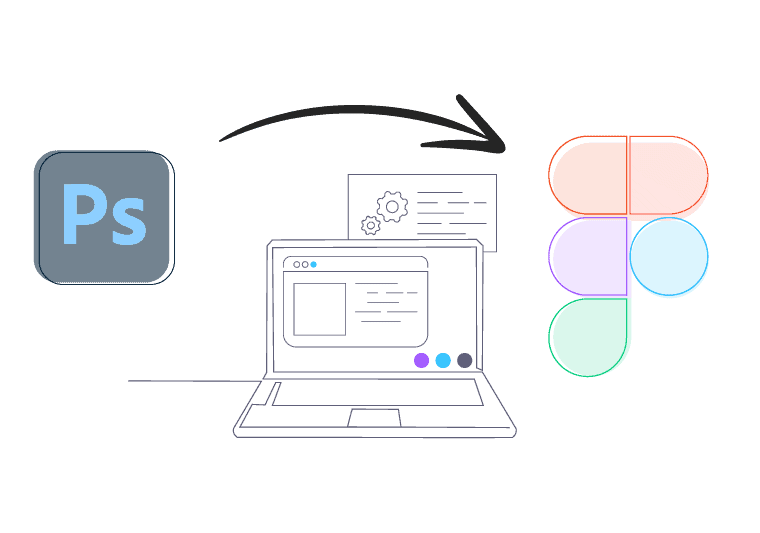
Best PSD to Figma Conversion Service
Our PSD to Figma conversion service ensures a seamless transition from static Photoshop files to dynamic, interactive Figma projects. We employ advanced techniques to maintain design integrity, ensuring that all elements, layers, and styles are perfectly replicated.
With our conversion service, you can enjoy the benefits of Figma’s collaborative environment. Whether it’s for web, mobile, or UI/UX projects, our service is tailored to meet your needs, offering quick turnaround times and exceptional attention to detail. Trust us to enhance your design capabilities and streamline your workflow with our professional conversion solutions.
Benefits of Converting Photoshop Files to Figma
Converting your Photoshop files to Figma comes with numerous advantages. Figma’s collaborative platform makes team collaboration easy and is perfect for agile workflows. The software’s cloud-based nature ensures that your files are always accessible, facilitating easy sharing and feedback across multiple devices.
What’s more, Figma’s prototyping tools allow for the creation of interactive mockups directly within the platform, eliminating the need for third-party prototyping tools. This conversion not only simplifies the design process but also ensures asset consistency, reduces operational inefficiencies, and empowers teams to iterate rapidly.


Why Choose Us?
- Customized Solutions: We tailor our services to fit your unique project needs, ensuring optimal results.
- Consistent Quality: We maintain the highest standards in all our projects, ensuring consistent and professional results every time.
- Comprehensive Support: We offer full support throughout the conversion process and beyond, addressing any queries you may have.
Key Features
Pixel Perfect
We ensure meticulous PSD files to Figma conversion, promising precision in every pixel.
Cleanly Coded
Our organized and pristine code looks great and guarantees a seamless user experience.
Responsive
Your website will seamlessly adapt to various devices, providing an optimal experience.
Compatible
We rigorously test and optimize your site to ensure consistent performance across all major browsers.
SEO-Ready
We implement best practices for site optimization, improved visibility and higher rankings.
Blazing Fast Website
Through optimization and efficient coding, we promise a website that loads lightning-fast.
Photoshop to Editable Figma: Get Started Now!
Convert static designs into dynamic, collaborative Figma projects today. Reach out to us for a seamless conversion experience and see the difference for yourself!
FAQs
We primarily work with PSD files but can also handle other design formats if needed. Contact us to discuss your specific requirements.
Yes, we have the expertise and resources to manage projects of any size and complexity.
Our service includes translating layers, elements, and styles from Photoshop into Figma, ensuring a fully editable and interactive design ready for collaboration.
Absolutely! We offer ongoing support to address any questions or adjustments needed post-conversion.
No, we do not impose any minimum order requirements. Whether you need a single page converted or an entire website, we are equipped to accommodate projects of all sizes. Our flexible approach ensures that we can meet your needs, regardless of the project’s scale.
We prioritize the security and confidentiality of your files and use industry-standard practices to protect your data throughout the process.