

Designing a website involves creativity, precision, and attention to detail. For many designers, Figma is the tool of choice for crafting innovative and interactive website layouts. However, converting Figma to WordPress can be challenging, and this is where Figma-friendly WordPress AI website builders come to the rescue.
They simplify the conversion process, ensuring a seamless transition from design to development. With these tools, you can easily turn your Figma creations into live WordPress websites without diving into complex coding. Simply put, they automate the conversion process and significantly reduce the time and effort involved.
Why Use WordPress AI Website Builders?
WordPress is a popular content management system that powers over 43% of all websites. Its flexibility and robust ecosystem make it a preferred choice for web developers and designers. However, integrating AI capabilities with WordPress can take website building to the next level.
AI website builders allow you to convert Figma designs into fully functional WordPress websites with ease. They automate routine tasks, enhance efficiency, and offer a user-friendly interface, making web design accessible to everyone. Additionally, these tools often come with pre-built WordPress templates and customization options, further speeding up the design process.
From Figma to WordPress: Craft Your Dream Website
Select your favorite website builder, and we’ll expertly turn your Figma design into a stunning WordPress site. Let’s bring your vision to life!🌟
- Get Started
Top WordPress AI Website Builders for Figma Conversion
Here, we’ll explore the top AI-powered website builders compatible with Figma that you can leverage for your WordPress site.
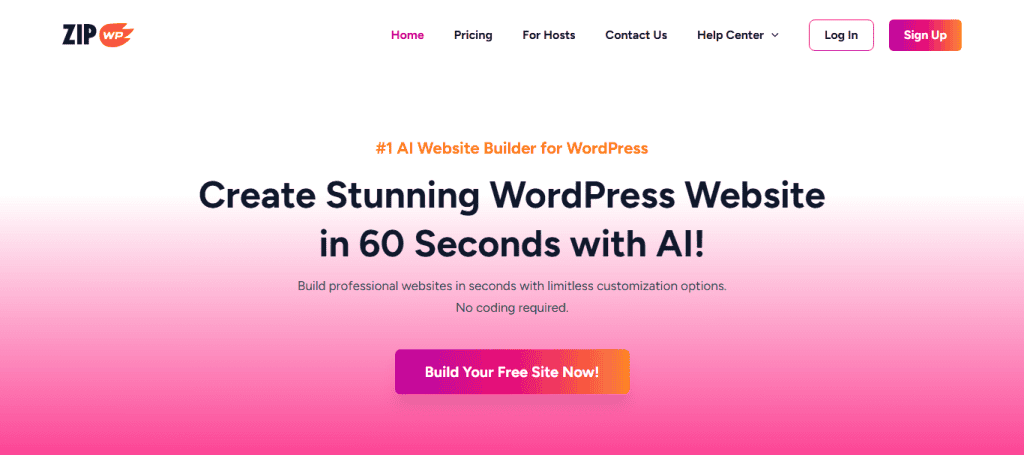
1. Zipwp: #1 AI Website Builder for WordPress
Zipwp is a leading AI website builder that excels in integrating Figma designs with WordPress, making it the top choice for designers seeking efficiency and precision. By leveraging AI technology, Zipwp streamlines the conversion process, ensuring that the essence and integrity of your original design are perfectly preserved in the final website.
Key Features:
- Direct import from Figma
- AI-driven layout adjustments
- Pre-built templates for easy customization
Pricing: Zipwp offers a free version with basic features and a premium plan starting at $79/month.
Related: How to Convert Figma to WordPress Using ZipWP
2. Elementor Website Builder with AI
Elementor is one of the best page builders that has gained a reputation for its powerful design capabilities. Now, with the integration of AI tools, it further enhances design productivity and flexibility, offering intuitive features that streamline the creative process. Elementor empowers users to craft visually stunning websites effortlessly, solidifying its position as a top choice for designers.

Key Features
- Drag-and-drop interface
- AI suggestions for design improvement
- Extensive template library
Pricing: Elementor offers a free version and a pro plan starting at $4.92/mo, billed annually.
- Experience Hassle-Free Figma to Elementor Conversion
3. Brizy: The Next-gen Website Builder
Brizy is an innovative newcomer in the website-building arena, leveraging AI technology to revolutionize the way designers create WordPress sites. With its intuitive interface, Brizy simplifies the design process by providing powerful drag-and-drop tools, making it accessible to users of all skill levels. Its AI-driven features offer automated design enhancements, ensuring a seamless and creative workflow, while maintaining the flexibility designers need.

Key Features
- User-friendly drag-and-drop builder
- Automated design enhancements via AI
- Integration with Figma for easy conversion
Pricing: Brizy offers a free plan and premium options starting at $190/yr.
Ultimate Guide: How to Convert Figma to WordPress Website Using Brizy Builder
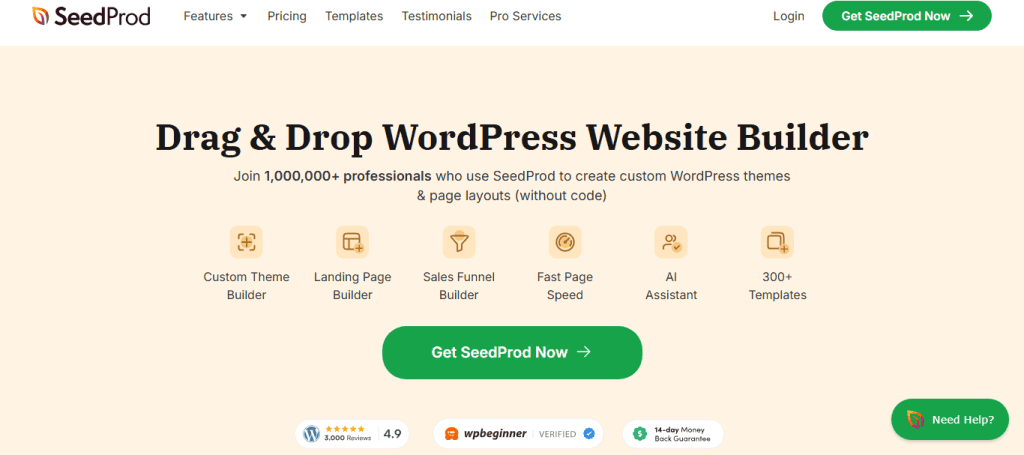
4. SeedProd: Best Drag & Drop WordPress Website Builder
SeedProd is a leading tool for quickly crafting landing pages, now elevated with AI support to streamline and enhance design workflows. Trusted by over 1,000,000 professionals, it enables users to effortlessly create custom WordPress themes and page layouts without writing code. Its suite of features, including secure backups, a robust theme builder, and advanced AI assistance, makes it an indispensable resource for creating dynamic, high-performing websites.
Key Features
- Visual editing with AI augmentations
- Easy customization of pre-made templates
- Direct integration with Figma
Pricing: With plans starting from $39.50/year, SeedProd is both affordable and efficient.
- Unlock Seamless Figma to SeedProd Transformation
5. Kubio AI: Build WordPress Sites Faster
Kubio AI is increasingly popular due to its user-friendly interface and capabilities for swiftly converting Figma designs into WordPress websites. It stands out by offering direct integration with Figma, allowing users to upload designs effortlessly. Moreover, its AI-driven features make website customization and management more accessible to designers of all skill levels.

Key Features
- Figma integration for direct design uploads
- AI content suggestions
- Mobile-responsive design support
Pricing: Pricing starts at $7/month (billed annually) for the basic plan.
Know: How to Use Figma Mockups for WordPress Development
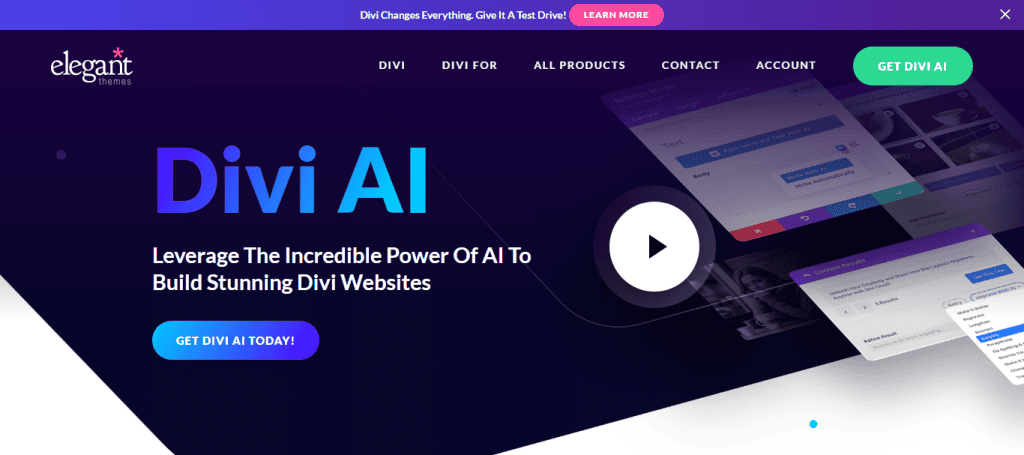
6. Divi AI Website Builder
Divi AI, crafted by Elegant Themes, introduces cutting-edge AI functionalities to its renowned WordPress theme, elevating web design to new heights. By integrating AI, Divi enhances its user interface, providing intuitive design solutions and real-time feedback. This makes creating sophisticated and visually appealing websites faster and easier for developers and designers alike.
Key Features
- Visual editor with AI enhancements
- Real-time design feedback
- Compatibility with Figma for smooth design imports
Pricing: Divi offers a yearly subscription at $89 and a one-time payment for lifetime access.
- From Figma to Divi: Convert Your Vision into Reality
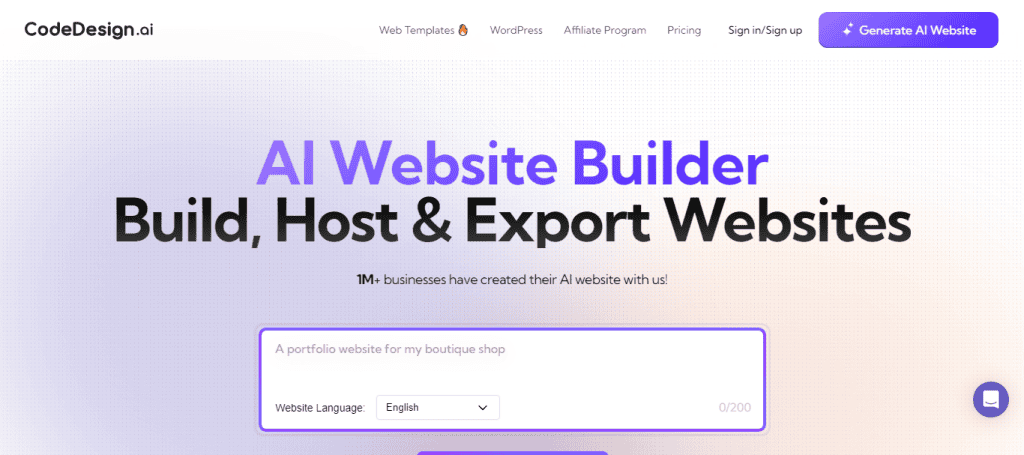
7. CodeDesign AI Website Builder
CodeDesign is an innovative platform that seamlessly combines code automation with advanced AI capabilities, revolutionizing the process of transitioning from Figma designs to WordPress websites. By automating complex coding tasks, CodeDesign enables designers to focus on creativity and efficiency, providing a streamlined workflow that effectively bridges the gap between design conception and functional implementation.
Key Features
- Code-free design adjustments
- AI assistance for optimal layout design
- Figma component compatibility
Pricing: Premium plans begin at $10/month/per site.
Easy Steps: How to Convert Figma to WordPress Using CodeDesign
8. Liftoff Website Builder
Liftoff by DreamHost is an AI-driven tool designed to simplify and enhance the Figma conversion process. By incorporating AI technologies, Liftoff provides valuable assistance throughout the design journey, ensuring that designers can create flawless sites.

Key Features
- AI-guided design process
- Customizable Figma templates
- Integrated SEO optimizations
Pricing: Liftoff plans start at $2.95/mo.
Top 10: Best Prototyping Tools for UI/UX Designers
9. Hostinger AI Website Builder
This site builder is a comprehensive solution that merges premium hosting services with an intelligent AI website builder. It features a user-friendly drag-and-drop editor and customization tools, which makes website creation tailored to users’ unique needs a smooth process.

Key Features
- AI-assisted customization
- Seamless Figma integration
- Responsive design adjustments
Pricing: With prices starting at $2.49/month, it’s cost-effective for small businesses.
Scale Without Stress: Unlimited Figma to WordPress Conversions for Busy Digital Agencies
10. AI Website Builder by 10Web
10web stands out in the web design landscape with its innovative AI Builder. This powerful tool not only speeds up the design-to-development process but also ensures that the resulting websites are both visually appealing and optimized, allowing designers to focus on creativity and innovation.

Key Features
- Automated design replication
- AI-driven performance optimization
- Figma file compatibility for seamless import
Pricing: Monthly pricing starts at $20, with flexible plans available.
Find out: Why Brand Asset Management Software is Essential for Figma to WordPress Transformations
Conclusion
AI-powered WordPress website builders are revolutionizing the way designers convert Figma projects into live websites. These tools not only save time but also ensure high-quality results with minimal effort. Whether you are a professional designer or a novice, leveraging AI builders can significantly streamline your web design workflow. Choose the one that aligns best with your needs and enjoy a seamless design-to-website transformation.
FAQs About AI Website Builders
How do AI website builders enhance productivity?
AI builders automate repetitive tasks, suggest design improvements, and allow real-time design editing, making the process faster and more efficient.
Can I customize the designs after conversion?
Yes, most AI builders provide extensive customization options even after the initial design is converted into a WordPress site.
Are these AI builders suitable for beginners?
Absolutely. These tools are designed to be intuitive and user-friendly, catering to individuals with varying levels of expertise.
Do I need any coding knowledge to use these builders?
No, AI website builders are generally designed to eliminate the need for coding, making them accessible to non-developers.
What are the benefits of using Figma with WordPress?
Figma offers robust design tools that, when combined with WordPress via AI builders, provide a comprehensive solution for creating high-quality websites efficiently.



